
Lightspeed offers their own instructions for creating custom buttons. We have illustrated it below:
Login to Lightspeed

Click [⚙ Settings]
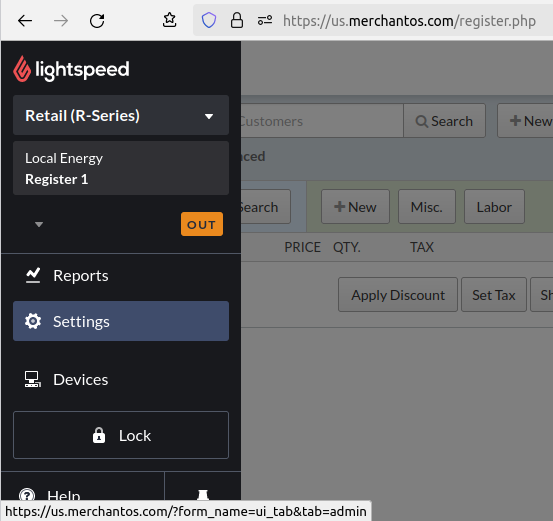
All the way at the bottom, click [Custom Menus]

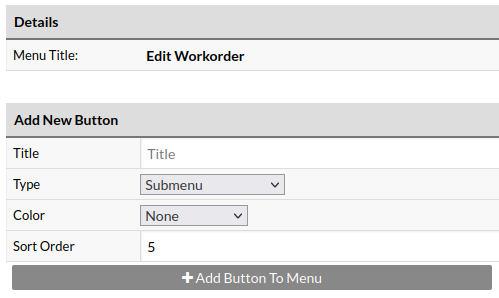
Select [Edit Workorder]

Enter a button title (e.g. “Send Workorder Completed Text & Email”)
Set ‘Type’ to “Open Web Page”
(Optional) Select a custom color for the button
Click [+ Add Button To Menu]
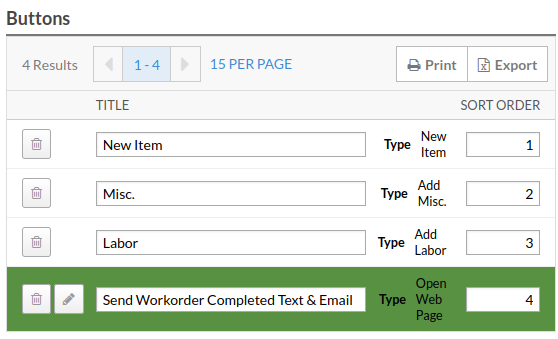
Scroll down to the “Buttons” section and click the [📝] icon next to the item you just created
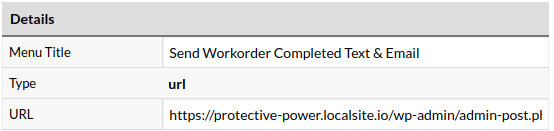
Update the URL with the one given. Then click [Save]
You’re all set! You should see the button on every workorder
